Ahmad Affan
Websites
WordPress or a custom Next.js site? An honest guide for business owners (2026)
Most business sites do not need a custom app, and some really do. Here is how to tell which one you are, and what to keep patched either way.
By Ahmad AffanUpdated 3 min read

Key takeaways
- Choose WordPress for content-led sites and stores your team will edit. Choose a custom app for accounts, subscriptions, dashboards and unusual logic.
- Both can be fast and rank well. Speed comes from build quality, not the logo.
- Core Web Vitals targets: LCP 2.5 s or less, INP 200 ms or less, CLS 0.1 or less, measured at the 75th percentile.
- WordPress needs constant updates. 7.1.3, released October 6, 2026, fixed seven security issues.
- Many projects work best as a hybrid: WordPress for content, custom code for the one feature that needs it.
“Should I use WordPress?” is the first question many owners ask me, and the honest answer is: often yes. A business site mostly has to explain what you do, load quickly on a phone, collect enquiries and be easy to edit. WordPress does that well, and it keeps improving. But some projects outgrow it. This guide shows where the line is.
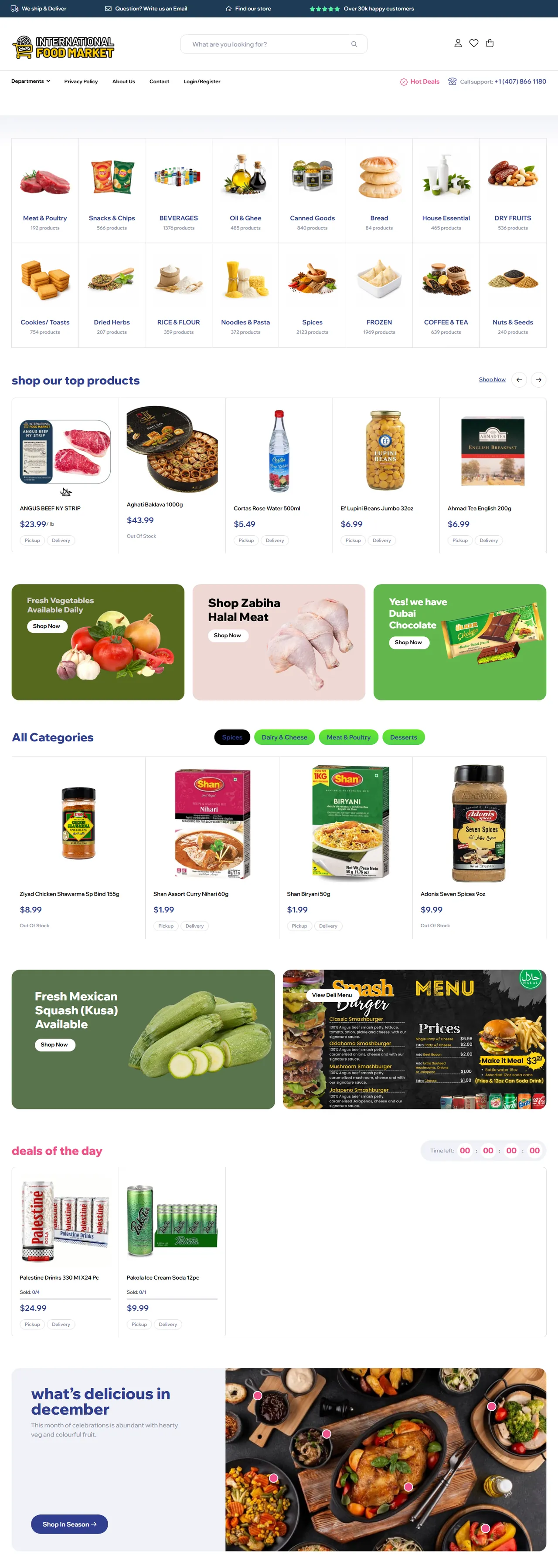
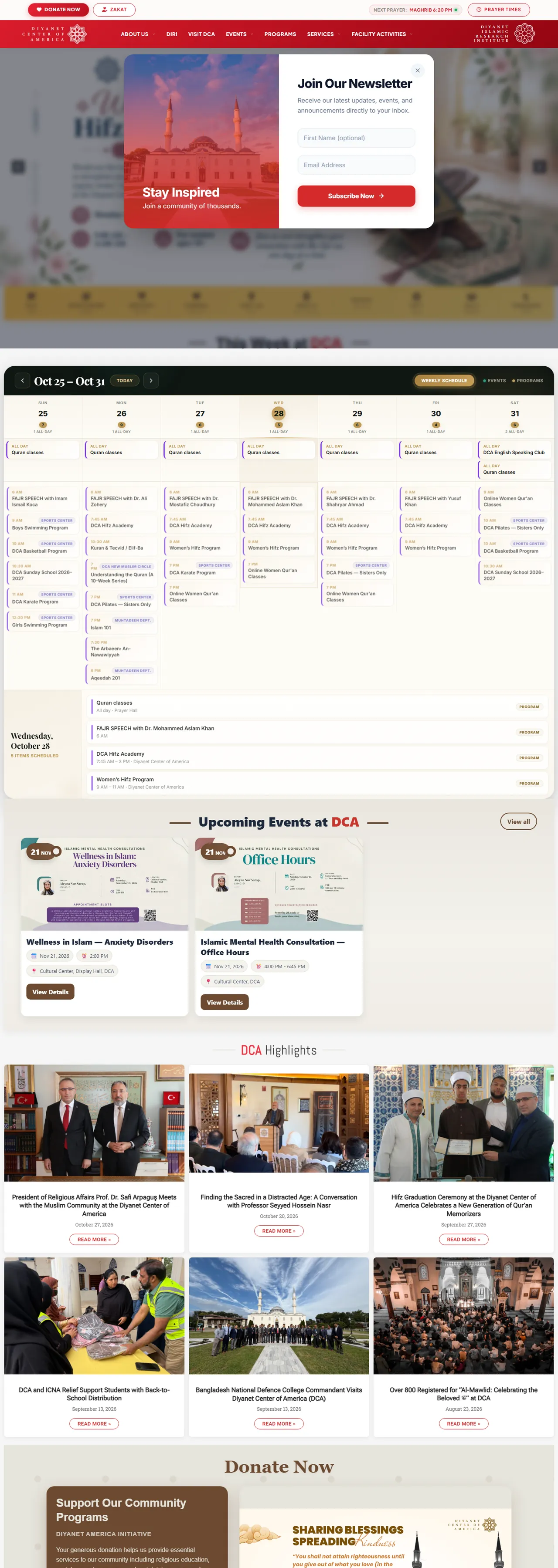
I have delivered WordPress and WooCommerce sites for schools, community organisations, a travel business and a trading brand, such as IFM Orlando and Diyanet America. I also build custom products in Next.js, so I have no reason to push one over the other.
Side by side
| WordPress / WooCommerce | Custom (Next.js and an API) | |
|---|---|---|
| Best for | Brochure sites, blogs, stores, portals | Web apps, dashboards, subscriptions, unusual workflows |
| Editing content | Familiar editor, no developer needed | Needs a CMS or admin built for it |
| Time and cost to launch | Lower | Higher |
| Flexibility | High through themes and plugins | Unlimited, but you build and maintain it |
| Security upkeep | Core, theme and plugin updates, constantly | Your code and dependencies, still needs updates |
| Performance | Good if built lean, poor if plugin-heavy | Excellent when built well |
What WordPress looks like in late 2026
WordPress 7.1, released August 19, 2026, brought responsive styling controls, a redesigned media editor and richer collaboration notes. The editor is much better than it was a few years ago, which makes it easier for non-developers to maintain a site. The 7.2 release is in beta and should not be installed on live sites.
Security: the cost nobody puts in the quote
Any popular platform is a target. WordPress 7.1.1 in September fixed eleven security issues, 7.1.2 fixed a critical one, and 7.1.3 on October 6 fixed seven more. The WordPress project also flagged a critical PHP security release on October 21, 2026, and asked site owners to update immediately, so your host matters too.
- Turn on automatic minor updates for core where possible.
- Keep plugins to the few you truly need and remove any you do not use.
- Use a host that patches PHP quickly and offers backups.
- Use strong, unique admin logins and two-factor authentication.
Speed and SEO
Google’s Core Web Vitals measure real-user experience: Largest Contentful Paint should be 2.5 seconds or less, Interaction to Next Paint 200 milliseconds or less and Cumulative Layout Shift 0.1 or less, judged at the 75th percentile of visits. A late-2026 analysis of about 204,000 sites found roughly 70% passing all three on mobile, with slow loading (LCP) the most common failure.
A lean WordPress theme with optimised images and caching can pass comfortably. A heavy page-builder theme with twenty plugins often cannot. A custom Next.js site starts with server-rendered HTML and easy image and font handling, so it is easier to keep fast, but you still have to build it carefully.
Choose WordPress when…
- Your team will edit pages, posts or products regularly.
- You need a store with a standard catalogue, coupons and delivery options.
- You want a lower launch cost and a faster start.
- You need a plugin ecosystem for forms, bookings or memberships.
Choose a custom app when…
- Users need accounts, dashboards or role-based areas.
- You are selling subscriptions or software.
- Your workflow is unusual and would need many plugins glued together.
- You need real-time features, integrations or multi-tenant logic.
The hybrid option
You do not have to choose one for everything. A common pattern is a WordPress site for pages and blog posts, with a custom app on a subdomain for the part that needs real software, such as a customer portal or a booking tool. That keeps editing easy and the custom part focused.
Before you start, decide
- What is the one action a visitor should take, and how will you measure it?
- Who will edit the site, and how often?
- What integrations do you need: payments, CRM, email, bookings?
- Who patches and backs up the site after launch?
If you are unsure which route fits, look at my website and WordPress service or describe your project and I will tell you plainly which option I would pick.
Sources
Checked on 28 October 2026. Prices and versions change, so confirm with the vendor before you commit.
Frequently asked questions
Yes, for content-led business sites and standard stores. It is easy to edit and has a large ecosystem. It needs regular updates and a lean build to stay fast and secure.
Not automatically. Both can rank well. SEO depends on content, structure, speed and links. Next.js makes server-rendered HTML and performance easier to control, and a lean WordPress build can match it.
At the 75th percentile of visits: Largest Contentful Paint 2.5 seconds or less, Interaction to Next Paint 200 milliseconds or less and Cumulative Layout Shift 0.1 or less.
Security releases should be applied as soon as they appear. In 2026 there have been several in a few weeks, so use automatic updates where possible and check plugins and PHP versions too.