Ahmad Affan
Telegram
Telegram Mini App or bot? How to choose what to build in 2026
Bots are conversations. Mini Apps are full web apps inside Telegram. Most serious products use both, and this guide shows where each one belongs.
By Ahmad AffanUpdated 3 min read
Key takeaways
- Use a bot for short, linear flows and notifications. Use a Mini App for catalogues, carts, dashboards and anything visual.
- Mini Apps log users in with Telegram-signed data, so there is no password to build. Always validate it on your server.
- Most production products pair the two: the bot brings people back, the Mini App does the heavy lifting.
- Telegram updates its Bot API every month or two. The latest at the time of writing is 10.3, from August 24, 2026.
Telegram gives you two ways to build a product: a bot that talks to people in chat, and a Mini App, a web app that opens inside Telegram. They overlap, so it is easy to pick the wrong one. This guide explains what each is good at, how login and payments work, and how I decide for a client project.
What each one is
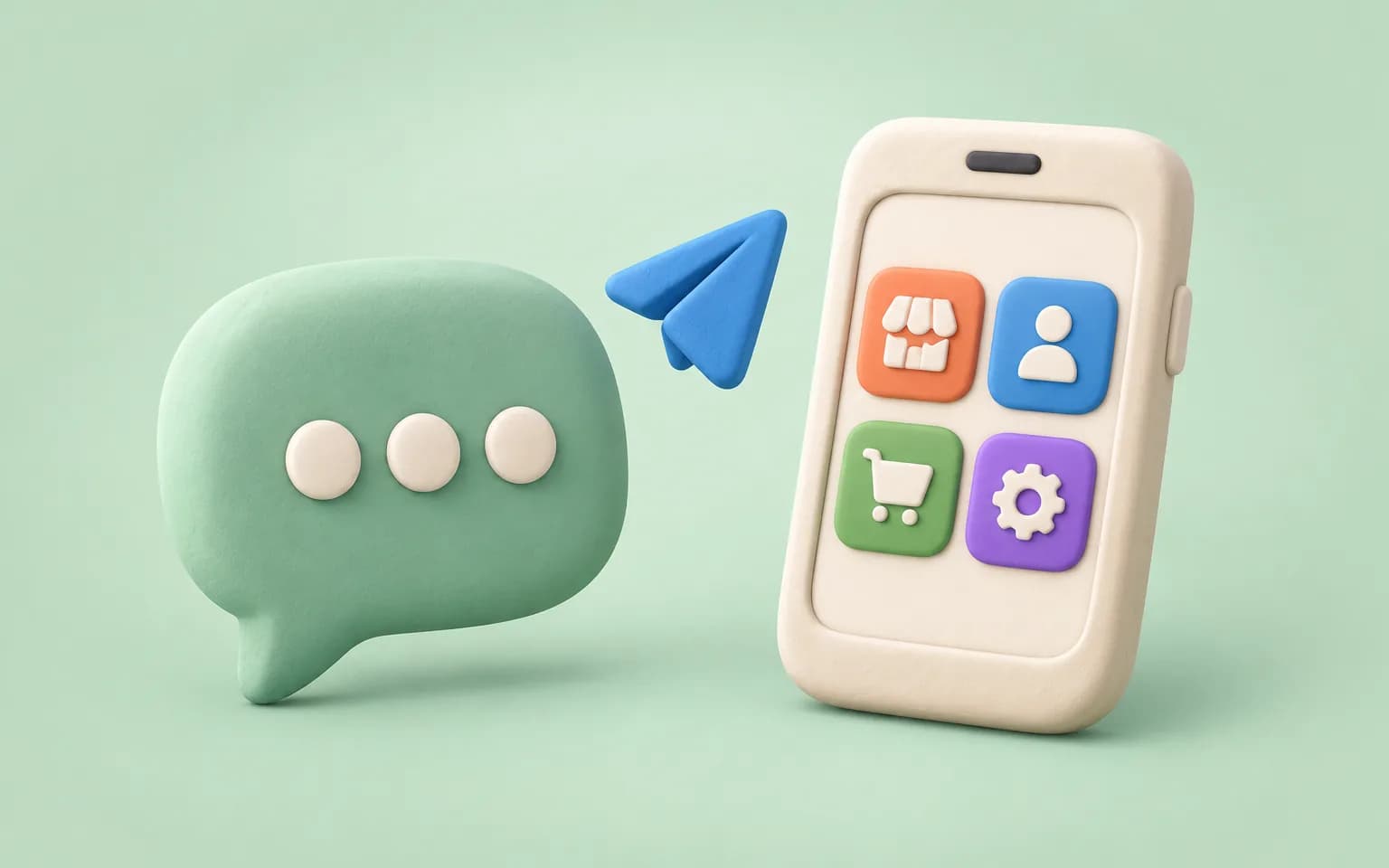
A bot is an account run by software. People message it, tap buttons under messages and receive notifications. It is fast to build and works everywhere Telegram works.
A Mini App is a web app you build with ordinary JavaScript, launched from a bot, a menu button or a link. Telegram describes Mini Apps as flexible enough to replace a website, with seamless authorisation, payments through third-party providers and push notifications through the bot.
Bot vs Mini App at a glance
| Bot | Mini App | |
|---|---|---|
| Best at | Conversations, alerts, quick actions | Browsing, carts, forms, dashboards |
| Interface | Messages and inline buttons | Any web UI you design |
| Build effort | Lower | Higher (a full front end) |
| Login | The chat identifies the user | Signed initData validated on your server |
| Typical use | Support, subscriptions, notifications | Shops, booking, admin consoles, games |
How I decide
- Can the whole job be done in five taps of text and buttons? Build a bot.
- Does the user need to browse, compare or fill in several fields? Build a Mini App.
- Do you need to reach users when they are not in your app? You need the bot either way, because it sends the notifications.
- Do you need an owner dashboard? Make it a web dashboard or a Mini App, and keep quick approvals as bot commands.
On Appex Market, each vendor’s bot handles notifications and orders, while buyers use a Mini App storefront for the catalogue and checkout. That split keeps chat clean and the shopping experience fast.
Login without passwords, done safely
When a Mini App opens, Telegram passes it signed launch data (initData). Your front end sends that string to your backend, and the backend verifies the signature using the bot’s token before trusting any user ID inside it. Skipping that step is the most common serious mistake: anyone could otherwise claim to be any user.
- The Mini App reads initData from the Telegram WebApp object.
- The front end posts it to your API.
- The API validates the hash as described in Telegram’s documentation and checks the data is recent.
- Only then does the API create a session scoped to that Telegram user.
Payments
Mini Apps and bots can take payments through Telegram’s supported payment providers, and you can also send users to your own checkout, such as Stripe, or to an on-chain payment flow. The right choice depends on what you sell and in which countries, so check Telegram’s current terms for digital goods before you design the flow.
What’s new in the Bot API
Telegram ships Bot API updates frequently. As of October 28, 2026, the latest version is 10.3, released on August 24, 2026. It adds buttons inside rich messages that can open Mini Apps, disabled inline buttons and new parameters for ephemeral messages, which are visible to only one user in a group. Version 10.1 added a join-request query ID to the data a Mini App receives. Earlier, version 8.0 introduced full-screen mode, home-screen shortcuts and more, and version 9.0 added device and secure storage for Mini Apps.
Security checklist
- Validate initData on the server, every session.
- Keep bot tokens encrypted and out of the front end.
- Scope every database query to the verified Telegram user.
- Verify webhook secrets if you use webhooks.
- Rate-limit commands that trigger expensive work.
If you want a bot, a Mini App or both, see how I build Telegram products or tell me what you are planning.
Sources
Checked on 28 October 2026. Prices and versions change, so confirm with the vendor before you commit.
Frequently asked questions
A bot is a software-run account you talk to in chat. A Mini App is a web app that opens inside Telegram, so it can offer catalogues, carts and dashboards with a full interface.
Often yes. The bot sends notifications and quick actions, while the Mini App handles visual tasks. A Mini App is launched from a bot, so you will have a bot account either way.
Telegram passes signed launch data to the app. Your backend validates the signature with the bot token, then creates a session for that Telegram user. No password is needed.
As of October 28, 2026 it is Bot API 10.3, released on August 24, 2026.